A Fifteen-Minute Read
A window of fifteen minutes for you to read a book, article or anything that has taken your interest. It can be hard copy or digital copy.
 Book
Set length. It runs for 17 minutes from start to finish.
 17 mins · Set length
A Fifteen-Minute Read
0:00 / 18:03 · Settle and set upWhat's in this session
 The quay book chair · Waterfront
Play and explore our 3D world
This guide is in Bursts.world too, where a bear does the practice alongside you.
Open it in Bursts.world →It runs in your browser. On a first visit you choose your bear before the guide starts.
Building a reading habit, step by step
This is the text version of the guide, written to follow at your own pace instead of listening. The practice time is marked so you know how long to stay with each step.
Gentle and encouraging, for when you want a kind voice to get you through.
- 1
Settle and set up
Welcome to this guide, A Fifteen-Minute Read. This one's really simple. It's just fifteen minutes set aside for you to read, enough time to sink into something without having to sacrifice your whole morning to it. Let's get you sorted.
There's not too much you'll need to do to settle in. Just make sure you have your book, or whatever you're reading, close to hand, and find yourself a comfortable spot with a bit of light. The main thing is your phone, so pop it on Do Not Disturb so that messages or calls won't distract you if you think that could be an issue. That's really all you'll need. Take your time getting comfortable.
About 40 seconds of practice - 2
The reading
For the next fifteen minutes, it's just you and your book. Start wherever you like, and let yourself settle into it. If your mind drifts off somewhere, that's completely normal. Just find your place again and keep going. Read for the next fifteen minutes, then come back here to finish up.
About 15 minutes of practice - 3
Close
Now that your fifteen minutes are up, mark your place, or save the link if it's something you might want to share or come back to. Take a moment to notice how that felt. Maybe you got straight into it, maybe your focus came and went a bit, and either way is completely fine. That's how reading goes.
About 25 seconds of practiceThat's the end of the guide. Well done for making the time to read, and for staying with it however today went. Whenever you'd like another fifteen minutes, this guide will be here.
Keep going in the Bearmore app
Hold on to the activities you want to keep doing, get feedback after every session and turn them into a game plan. The app is free, all of it.
More reading (mindful) guides
 Read a Short StorySet length · 30 minsA beginner-friendly guide to choosing and reading a short story from a physical book, then noticing how the experience felt.Available as: Audio + text
 A Ten-Minute ReadSet length · 12 minsA window of ten minutes for you to read a book, article or anything that has taken your interest. It can be hard copy or digital copy.Available as: Audio + text
 Settle In and Read for 40 MinutesSet length · 45 minsA guide to help you get comfortable, reduce distractions, and spend 40 minutes reading something you have already chosen.Available as: Audio + text
 A Twenty-Minute ReadSet length · 22 minsA window of twenty minutes for you to read a book, article or anything that has taken your interest. It can be hard copy or digital copy.Available as: Audio + text
 Settle In and Read for 60 MinutesSet length · 65 minsA guide to help you get comfortable, reduce distractions, and spend 60 minutes reading something you have already chosen.Available as: Audio + text
Bursts that use this guide
Each of these ready-made routines has reading (mindful) as one of its activities, with this guide to walk you through it.





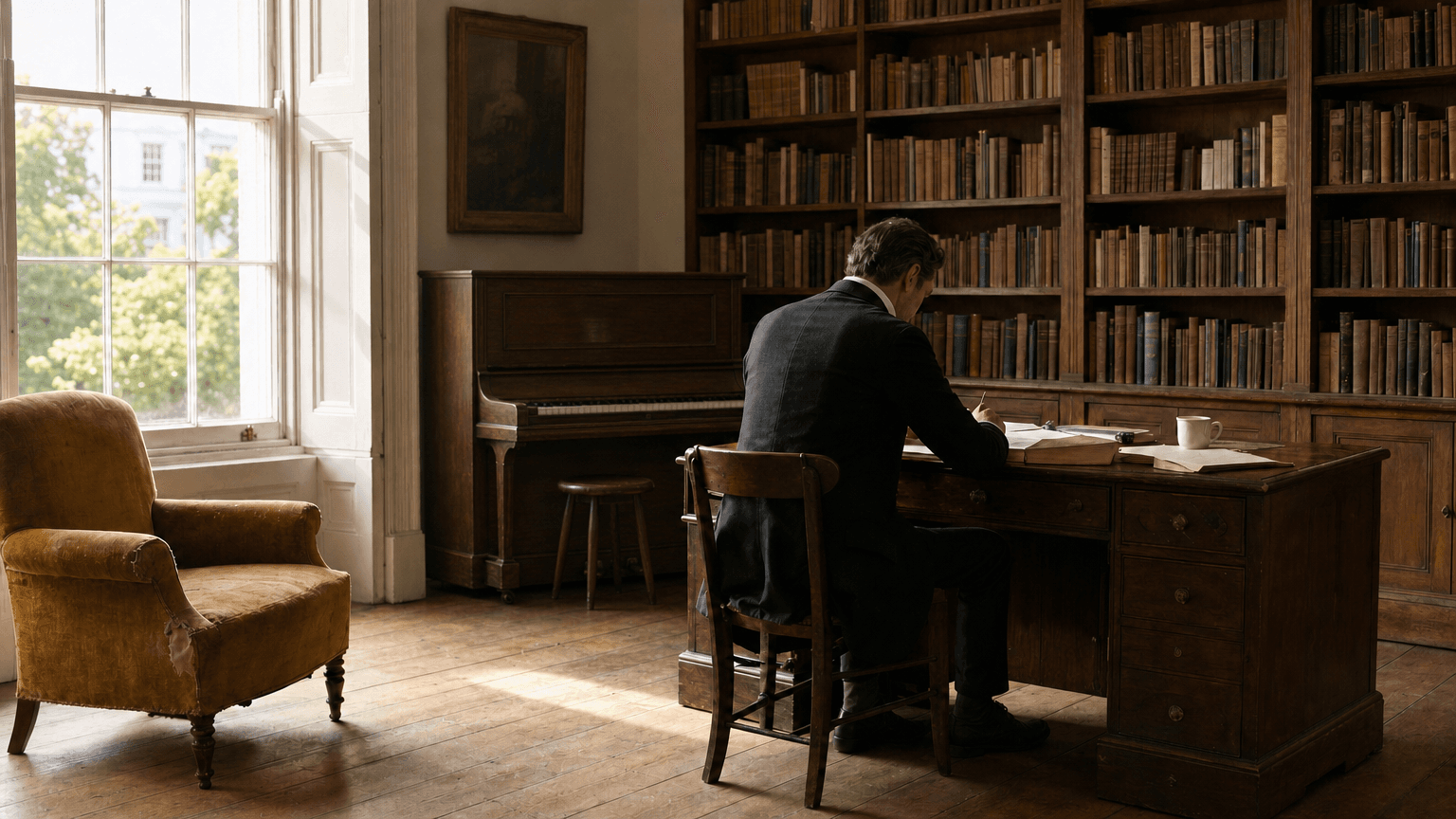
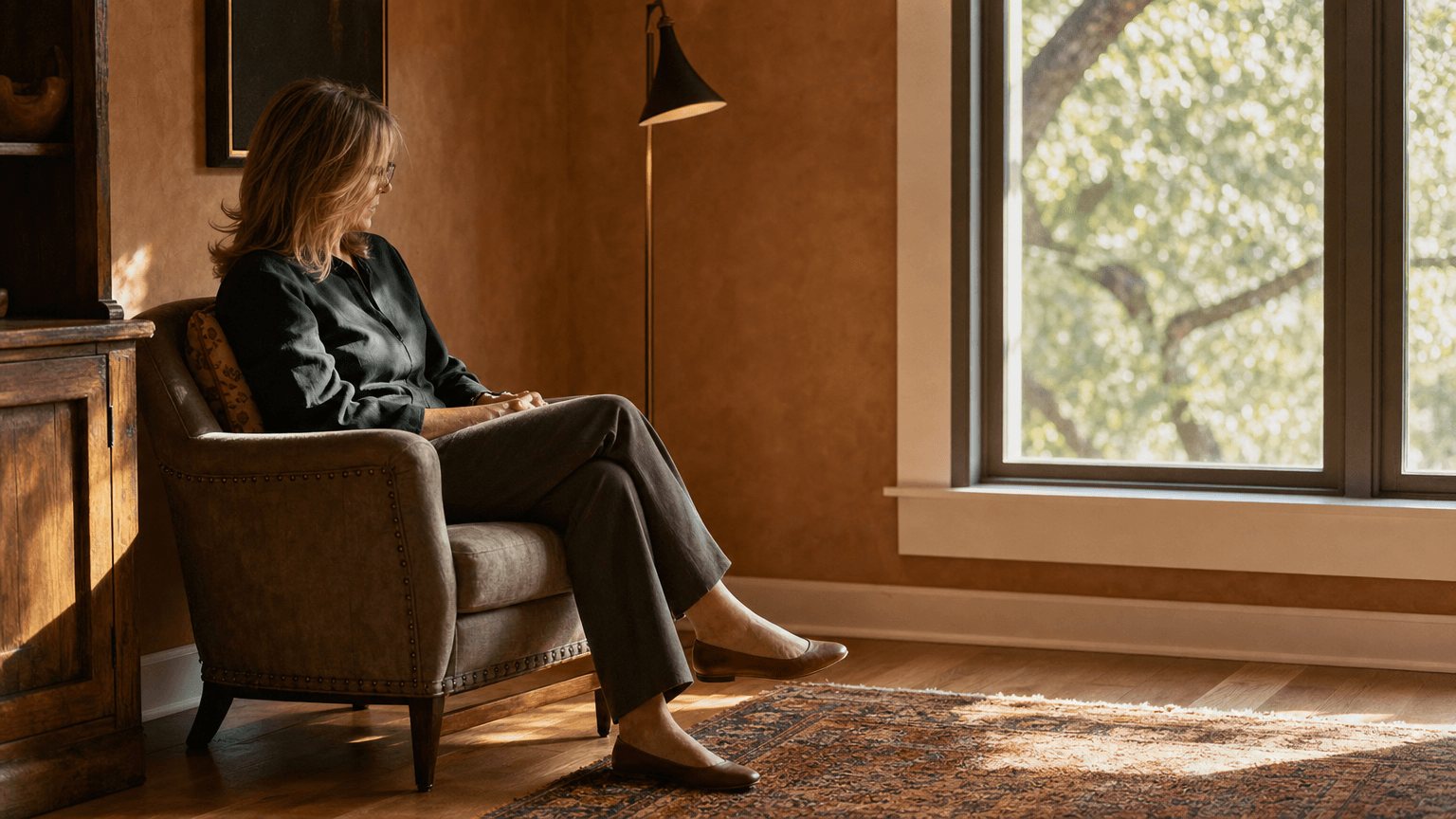
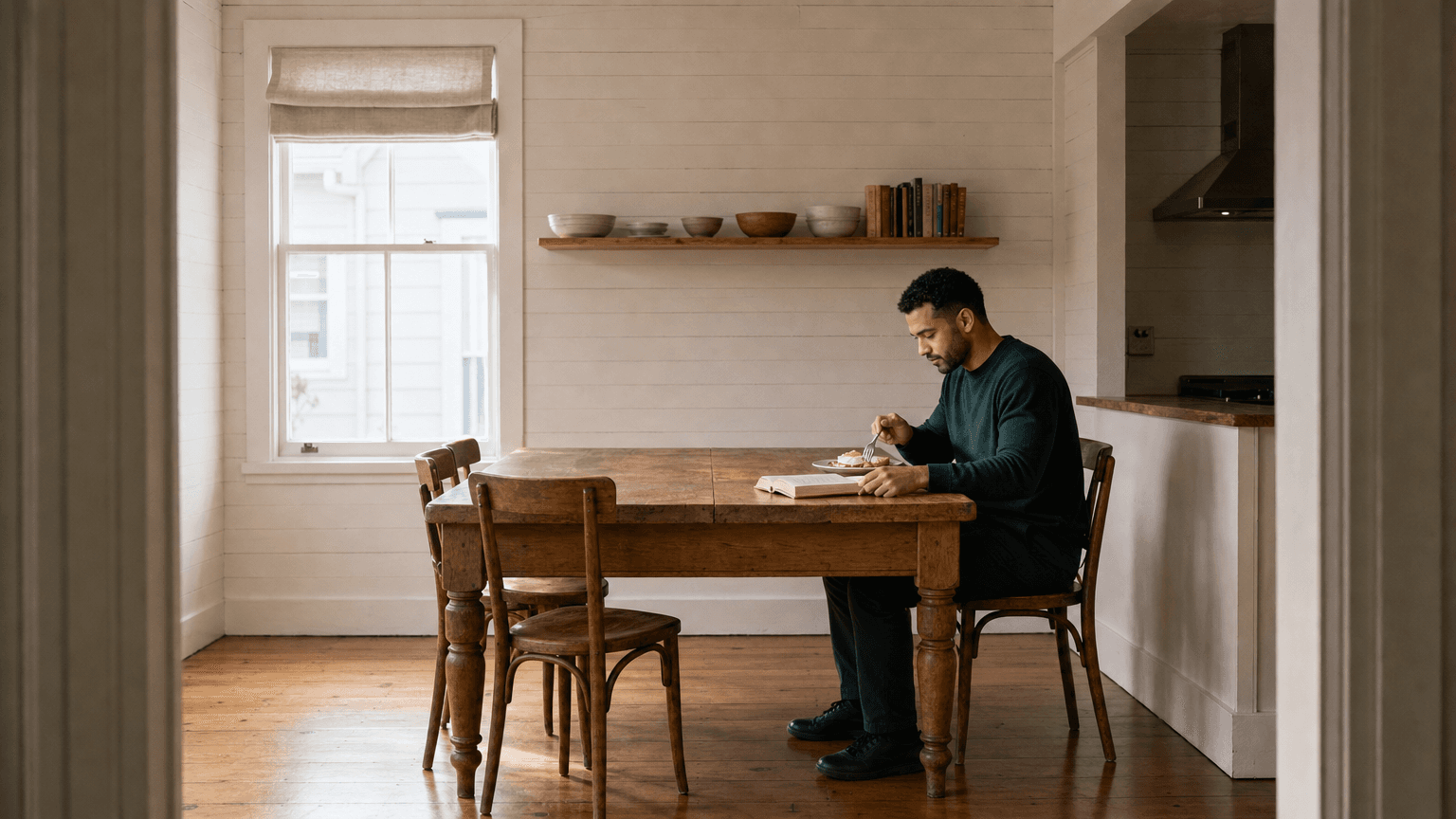

Questions about building a reading habit
How do I build a reading habit?
A reliable way is to attach a short, fixed reading window to your day and repeat it. Fifteen minutes is long enough to get absorbed and short enough to keep up, and giving it a clear, timed shape tends to help more than relying on willpower.
How many minutes a day should I read?
There is no required amount, but fifteen minutes a day is a sustainable starting point for many people. You can always read on past the timer. Regularity usually matters more than the exact length.
What if I keep getting distracted?
It is common, especially early on. Silencing notifications and setting other screens aside removes the main interruption, and a set window gives your attention somewhere to settle. If your mind wanders, you simply return to what you're reading.
Try reading (mindful) inside a Burst
A Burst puts a few activities together in a ready-made routine you can schedule in a couple of taps, free in the Bearmore app.