
Stop saving routines. Start doing them.
A Burst takes a routine you'd normally screenshot and forget about and turns it into something you'll follow through on and feel proud about. All you need to do is schedule it, show up and go.
How do Bursts work?
Three steps. That's it.
Pick a Burst, schedule it and do it. The activities, timing and guides you'll need are already worked out, so you can focus on doing it rather than planning it. Try one and see what you enjoyed, what helped and what you'd do again. Try a few, and you'll start to see what feels worth coming back to.
- 01
Pick one and schedule it
Browse by what you're after, then lock in a day.
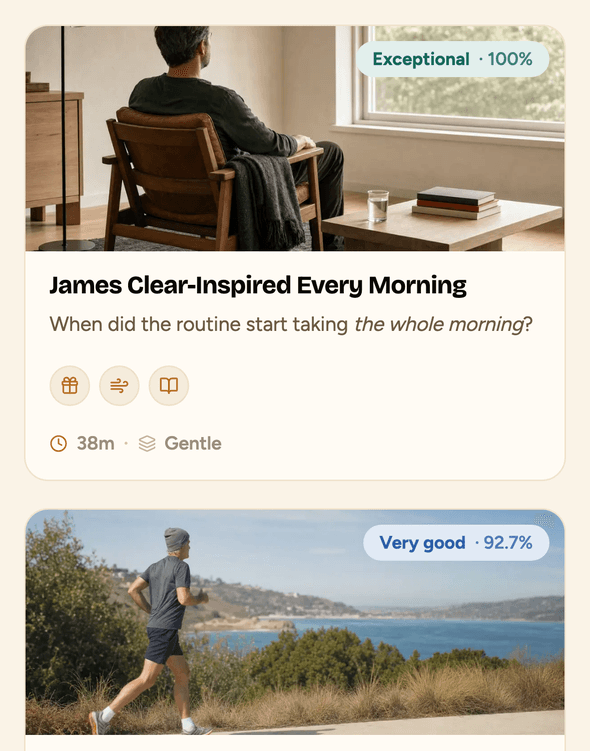
Browse Bursts by what you're after, whether that's a reset, an energy pick-up or something to do with a mate. Each card shows you the activities, duration, difficulty, quality score and who designed it, so you can feel confident you're spending your time well.
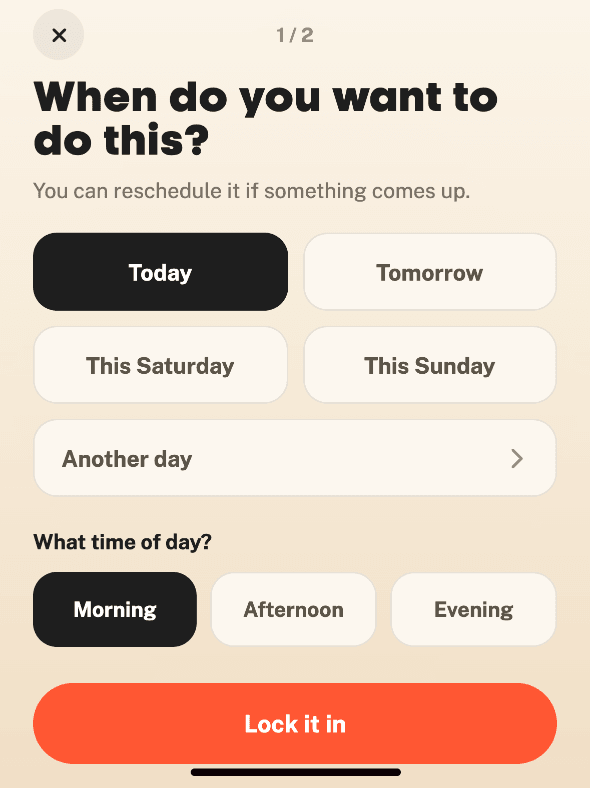
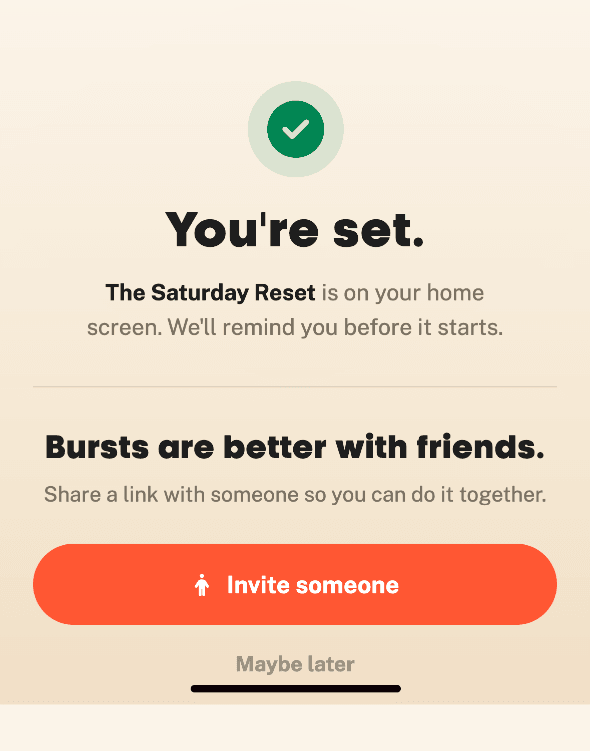
When you find one you want to do, choose when you want to do it and lock it in. Create an account with Apple, Google or your email, and your Burst will be waiting on your Bearmore home screen next time you open the app. We'll also email you what you need to know so you can get prepared.
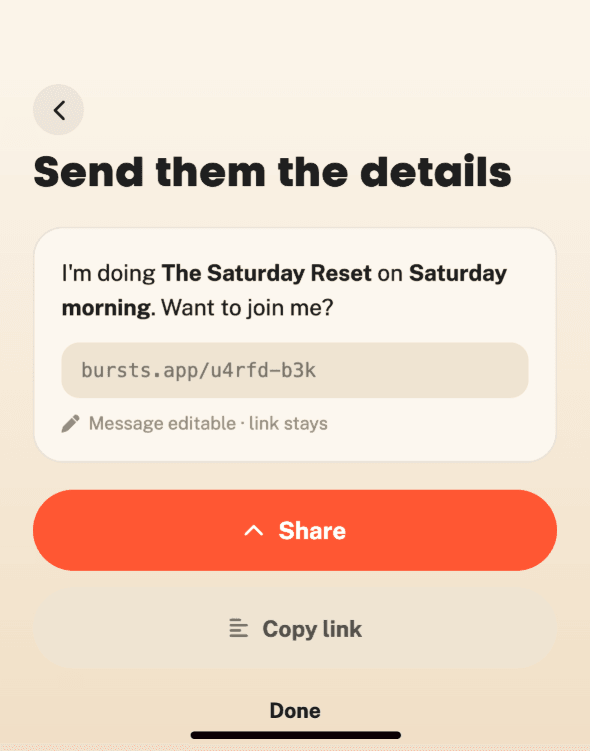
Want to do it with someone else? Send them the Burst and they can schedule the same one.
- 02
Open the app and go
When it's time, Bearmore takes you through the whole Burst.
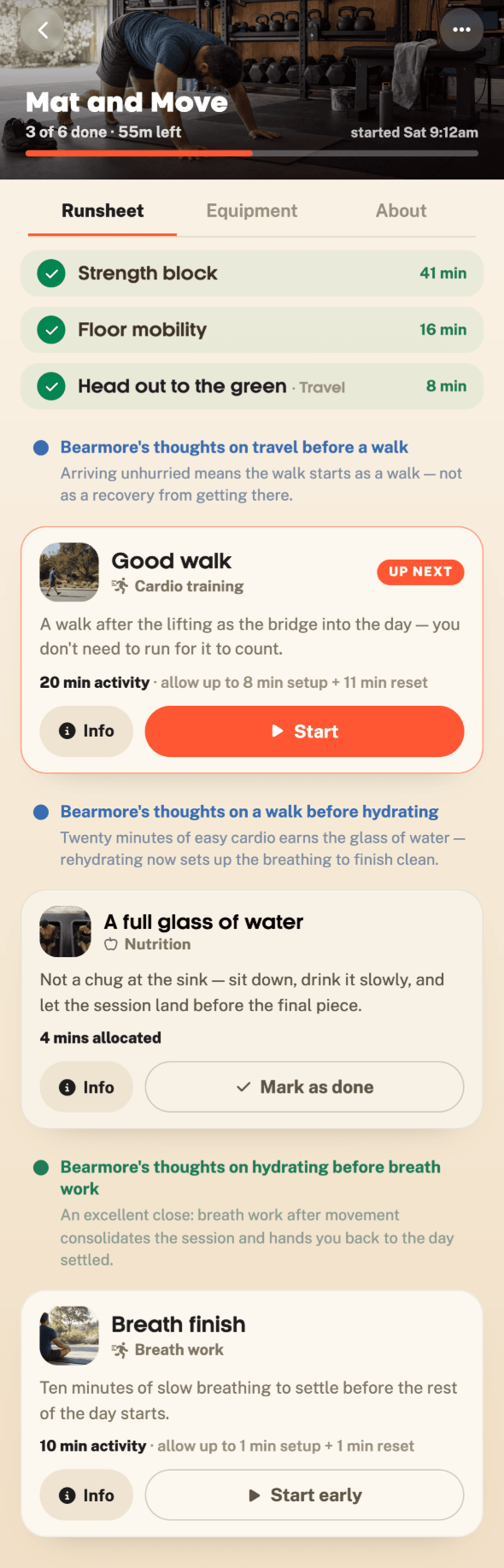
You'll find it on your home screen. Tap Start and work through each activity in order, with clear guidance on what to do, how long to spend on it and what you'll need.
Instead of a list you have to figure out for yourself, Bearmore takes you through the whole Burst, step by step.
- 03
Get your insights
See what you accomplished and how your experience unfolded.
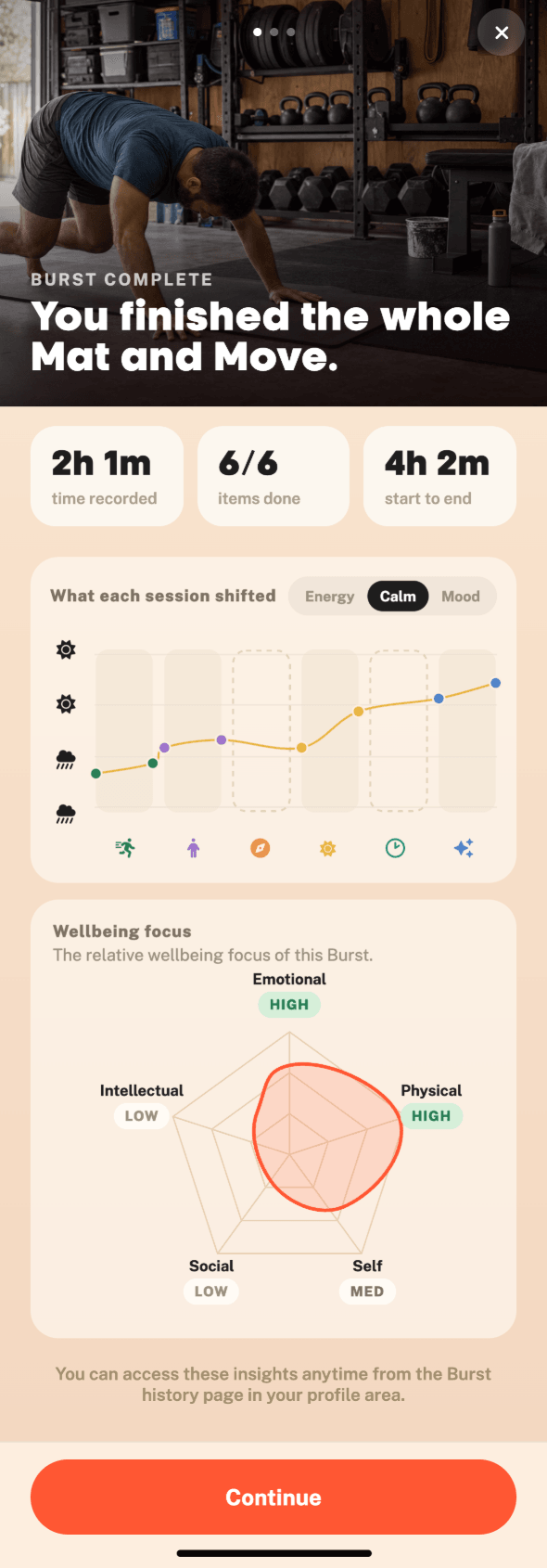
When you finish a Burst, you'll get a summary of the session, including how long it took and how many activities you completed.
You'll also see how your energy, calm and mood changed across the Burst, with each activity shown along the way so you can get a clearer sense of what helped.
You'll also see which wellbeing areas the Burst covered. And if you want to share it, you can create a card with the Burst name, time, activity count, quality score and difficulty rating. Your reflection data stays private.
What makes a Burst different?
Much more than a list of activities.
A Burst gives you more than a list of activities. The order, timing and breaks are worked out, with clear guidance for every step.
Add something different to the mix
Bursts draw on 46 evidence-informed activities across physical, emotional, social, intellectual and introspective wellbeing. You might find yourself trying breath work, mindful eating or intention setting alongside other activities you already know and enjoy.
Already have a go-to like resistance training or running? A Burst can show you what works well before it, what works well after it and how to fit the sessions together as a whole.
No guesswork
The activities are only part of it. The harder part is often the order, the timing and the durations. How long should each activity take? What do you need? What are you meant to do at each step? That's all figured out for you. Setup time, transition time, breaks. It's all built in. The duration on the card is the real time it will take, not just the active minutes added together.
Most Bursts sit in the 1–2 hour range. Longer retreat-style formats exist too, for when you have a full day to give.
Know what you're getting into
Every Burst carries a quality score (how well it’s sequenced and structured) and a difficulty rating (how demanding it’s likely to feel). These come from Bearmore’s evaluation engine, built on 2,401 activity pairings and 467 reviewed studies.
A higher difficulty isn't a bad thing. It just helps you choose what suits your energy, time and appetite for challenge right now.

Made by different people. Assessed by Bearmore.
What happens after?
Use Bursts to figure out what works for you.
A Burst doesn't have to become your ongoing routine. But it can help you work out which activities you enjoy, what feels impactful for you and what you would do again. Try a few and you start to get a clearer sense of what's working for you.
It all lives in the Bearmore app, alongside guides for 46 activities and research-based feedback on every session. Bursts are free. Start there.
Ready to try one?
Browse the library and pick something for this week.
Browse the full library, choose something that feels right for this week, and schedule it. It's free, and each one you try might just give you a better feel for what helps, what you enjoy, and what you want to come back to.